Creating a comfortable and productive home office space is essential for anyone working from home. A well-designed workspace can improve focus, reduce stress, and help maintain a healthy work-life balance. Whether you have a dedicated room or just a small corner to work with, this guide offers practical advice to optimise your home office setup.
Choose the Right Location
Prioritise Natural Light
Natural light improves mood and energy levels. If possible, position your desk near a window to benefit from daylight. Avoid glare on your screen by placing your monitor perpendicular to the window.
Consider Noise Levels
Select a quiet area of your home for your workspace. If that’s not possible, consider using noise-cancelling headphones or adding soft furnishings to reduce sound.
Ensure Adequate Space
Your workspace should have enough room for your essential equipment and some personal items. Allow space to move around comfortably without feeling cramped.
Invest in Ergonomic Furniture
Select a Comfortable Chair
A supportive chair is crucial to avoid back and neck pain. Look for an adjustable chair that supports good posture with lumbar support, adjustable height, and armrests.
Choose the Right Desk
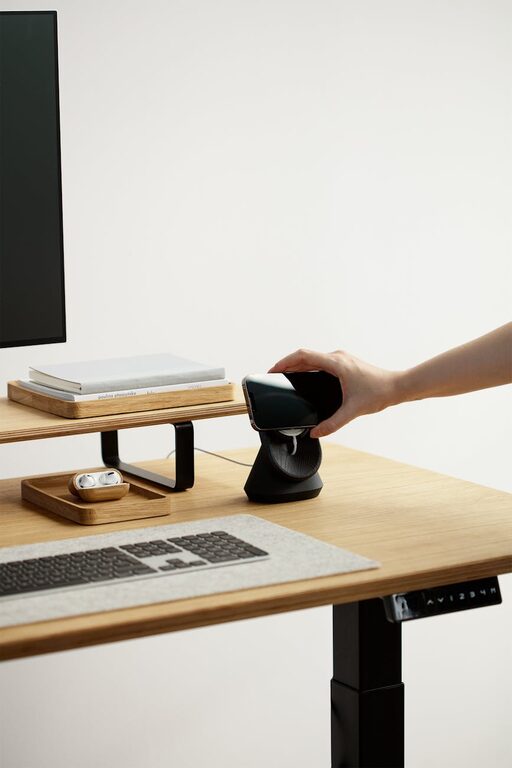
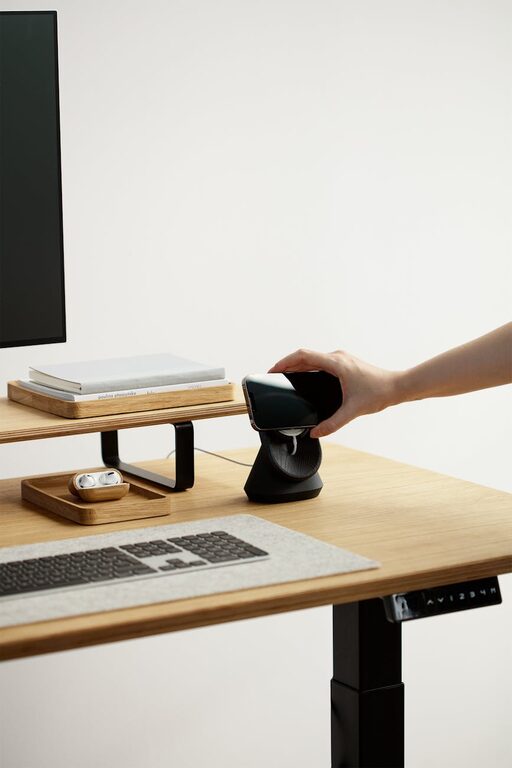
Your desk should be at a height that allows your arms to rest comfortably at a 90-degree angle while typing. Consider adjustable desks if possible, allowing you to switch between sitting and standing during the day.
Optimise Screen and Device Setup
Position Your Screen Properly
Place your monitor at eye level, about an arm’s length away, to reduce eye strain and maintain good posture.
Use an External Keyboard and Mouse
Using external peripherals can help position your wrists and hands comfortably, reducing the risk of repetitive strain injuries.
Manage Lighting Effectively
Combine Natural and Artificial Light
In addition to natural light, use a good desk lamp with adjustable brightness to prevent eye strain, especially during early mornings or evenings.
Avoid Harsh Overhead Lighting
Soft, diffused lighting creates a comfortable work environment. Consider lampshades or indirect lighting to soften the overall light quality.
Keep Your Workspace Organised
Declutter Regularly
A tidy desk limits distractions and improves concentration. Use drawers or organisers to keep stationery and paperwork out of sight.
Use Storage Solutions
Shelves, filing cabinets, or boxes can help keep items organised and accessible without crowding your workspace.
Create a Pleasant Atmosphere
Personalise Thoughtfully
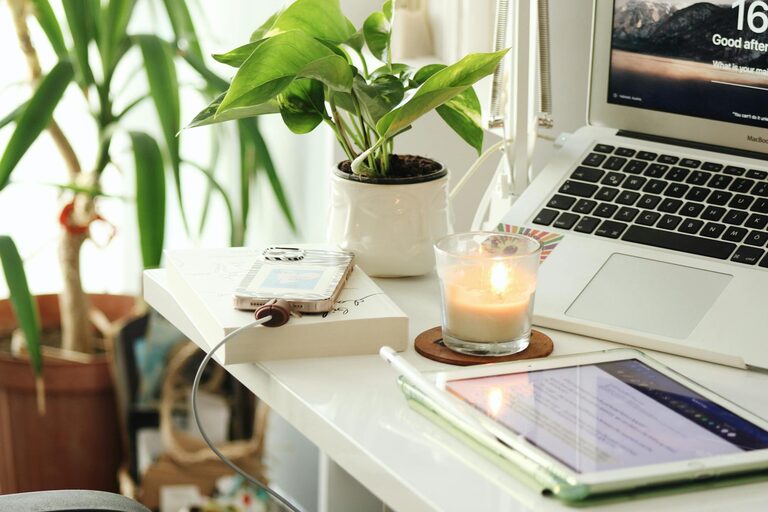
Adding plants, artwork, or personal items can make your workspace more inviting and boost motivation. However, avoid overcrowding your area.
Maintain Good Air Quality
Ensure proper ventilation to keep the air fresh. Consider using a small fan or air purifier if needed.
Establish Routines and Boundaries
Set Work Hours
Define clear working times to separate work from personal life. This helps maintain balance and reduces burnout.
Minimise Distractions
Inform family members or housemates of your working hours, and use apps or tools to block distracting websites if necessary.
Incorporate Breaks and Movement
Take Regular Breaks
Step away from your desk every hour to stretch or walk around. Regular breaks prevent fatigue and improve concentration.
Use Active Sitting Options
Consider a balance ball chair or standing desk to encourage movement and improve posture throughout the day.
Use Technology to Your Advantage
Utilise Productivity Tools
Organise your tasks with apps like calendars, to-do lists, or project management tools to stay on track.
Ensure Reliable Internet and Power
A stable internet connection and accessible power outlets are essential for uninterrupted work.
—
By following these tips, you can create a home office environment that supports your comfort and productivity. With the right setup and habits, working from home can become a more enjoyable and efficient experience.
About the Author