Creating a relaxing home workspace is essential for anyone spending significant time working remotely. A well-designed environment not only helps improve concentration and efficiency but also supports your overall wellbeing. In this post, we explore practical tips to transform your home office into a peaceful, productive spot where work feels less stressful and more enjoyable.
Why a Relaxing Workspace Matters
Working from home has many benefits, but it can also blur the lines between professional and personal life. A cluttered, uncomfortable, or uninspiring workspace can lead to distractions, fatigue and decreased motivation. Conversely, a calm and inviting setup enhances your mood, reduces stress levels and optimises productivity.
Key benefits include:
– Enhanced focus and creativity
– Reduced physical strain and fatigue
– Improved mental health and motivation
– Clearer boundaries between work and relaxation
Choosing the Right Location
Selecting the ideal spot in your home is the first step toward a relaxing workspace. Consider the following:
– Natural Light: Position your desk near a window to enjoy daylight, which boosts alertness and lifts your mood. Avoid glare on screens by angling your workspace thoughtfully.
– Quiet Area: Pick a space away from noise and high-traffic zones. Peacefulness encourages deep concentration.
– Dedicated Space: Even if limited, having a specific area solely for work helps your brain associate it with productivity.
Ergonomic and Comfortable Furniture
Long hours at a desk require comfort and good posture. Invest in:
– Ergonomic Chair: Supports your back and encourages proper alignment.
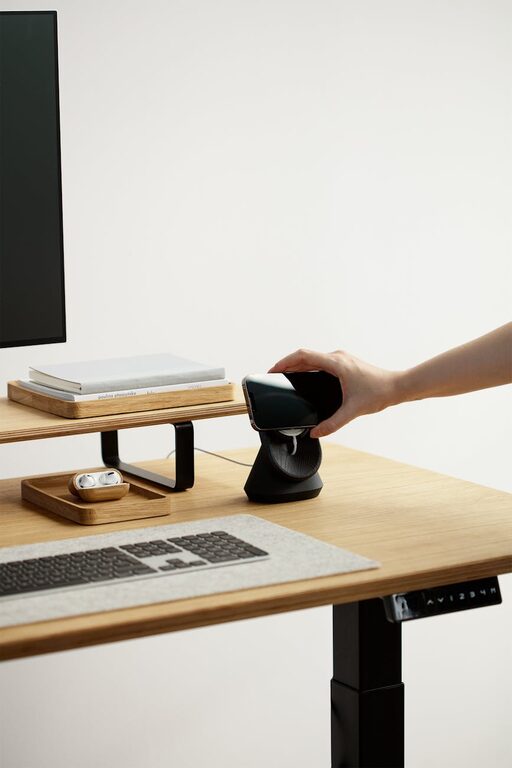
– Adjustable Desk: If possible, a desk that can transition between sitting and standing promotes movement and reduces stiffness.
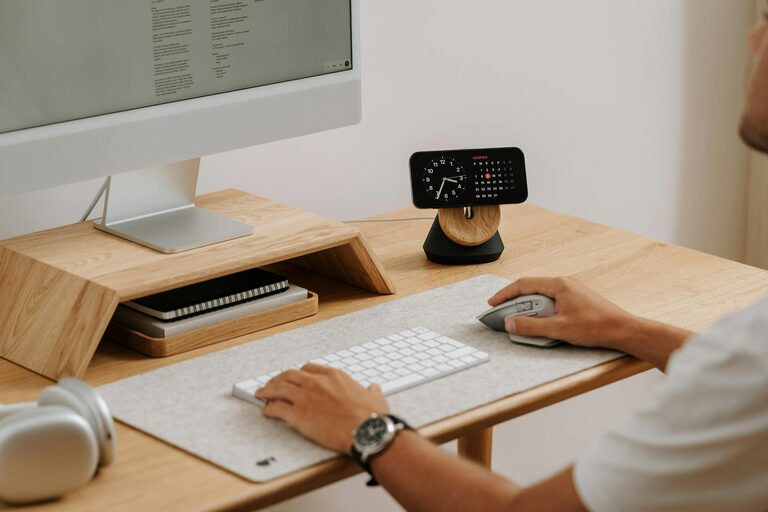
– Monitor Height: Your screen should be at eye level to prevent neck strain.
– Footrest and Cushions: Additional support can aid circulation and reduce discomfort.
Declutter and Organise
A tidy workspace eases mental clutter as well. Implement these strategies:
– Minimalist Approach: Keep only essential items within reach to reduce distractions.
– Storage Solutions: Use drawers, shelves or boxes to keep paperwork and electronics organised.
– Cable Management: Tidy cables with clips or sleeves to maintain a clean surface.
– Daily Reset: Spend a few minutes at the end of each day clearing your desk.
Incorporate Soothing Elements
Enhance relaxation by making your workspace inviting and personalised:
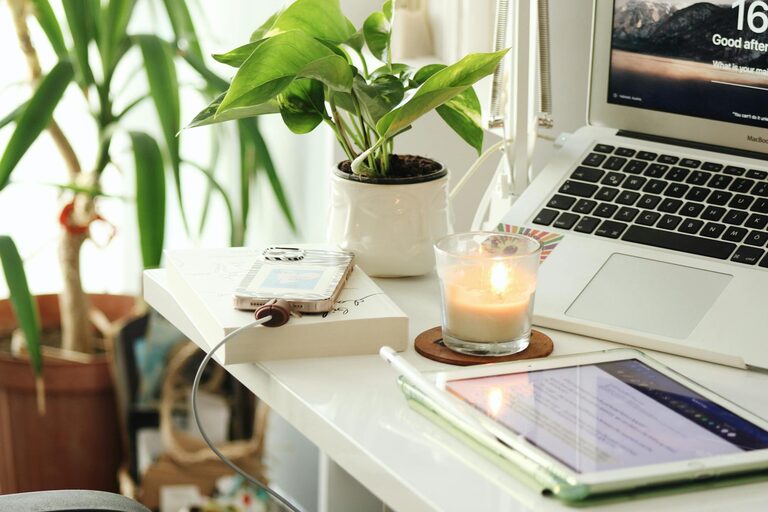
– Plants: Indoor greenery improves air quality and adds vibrancy.
– Colour Palette: Soft, neutral colours promote calmness, but a splash of your favourite colour can boost mood.
– Art and Photos: Inspirational or calming images personalise your area.
– Natural Materials: Wood, stone or fabric textures can create warmth and comfort.
Optimising Lighting
Proper lighting reduces eye strain and sets the tone:
– Layered Lighting: Combine ambient, task and accent lights to create balance.
– Warm Light Bulbs: Soft, warm lighting feels more comforting than harsh fluorescents.
– Adjustable Desk Lamp: Provides direct light for reading or detailed work.
Manage Noise and Distractions
Noise can disrupt focus, but some sounds can enhance concentration:
– Noise-Cancelling Headphones: Great for blocking out distractions.
– Background Music or Nature Sounds: Gentle sounds can improve productivity for some people.
– Clear Communication with Household: Set boundaries and working hours to minimise interruptions.
Take Regular Breaks
A relaxing workspace isn’t just about the set-up; habits matter too:
– Follow the 20-20-20 Rule: Every 20 minutes, look at something 20 feet away for 20 seconds to rest your eyes.
– Stretch and Move: Change posture frequently and take short walks to boost circulation.
– Mindfulness or Breathing Exercises: Pause to recalibrate and reduce stress.
Use Technology Wisely
Technology supports productivity when chosen and used carefully:
– Apps for Focus: Tools like timers or focus apps encourage structured work intervals.
– Blue Light Filters: Reduce eye strain by using nighttime modes or screen protectors.
– Minimal Notifications: Disable non-essential alerts to protect your concentration.
Final Thoughts
Creating a relaxing home workspace is an investment in your productivity and wellbeing. Small changes like reorganising your desk, adding plants, improving lighting and setting clear boundaries can have a big impact. Listen to your needs and preferences to design a space that invites calm and efficiency. With the right environment, working from home becomes more rewarding and less stressful.
—
By prioritising comfort and calm, you’ll enjoy better focus, creativity and a healthier work-life balance. Start with simple adjustments today and watch your home workspace transform into a place you look forward to spending time in.
About the Author