Creating a home workspace that is both relaxing and productive can transform the way you work and improve your overall wellbeing. With many people spending increasing amounts of time working from home, having a dedicated and thoughtfully arranged area is more important than ever. Here, we share practical tips to help you design a workspace that balances comfort with efficiency.
Choose the Right Location
Find a Quiet Spot
Select a space in your home that offers peace and minimal distractions. This could be a spare room, a corner in your living room, or even a section of your bedroom. The key is to have a spot where you can focus without interruptions.
Natural Light Matters
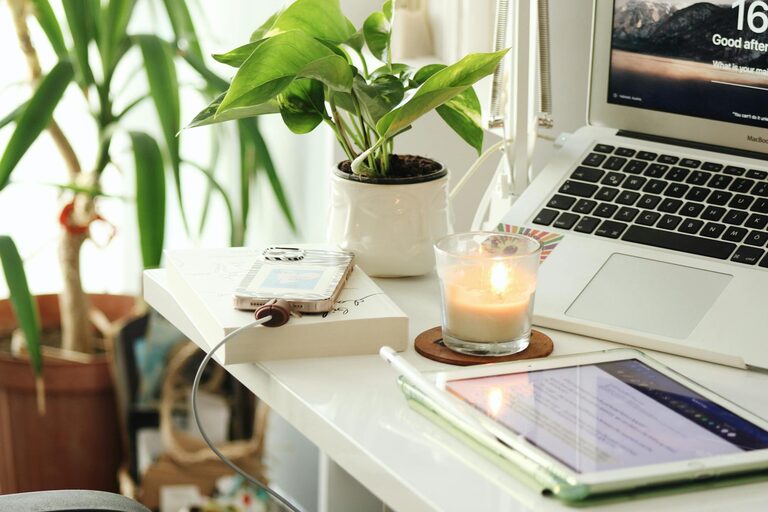
If possible, position your workspace near a window. Natural light helps reduce eye strain and boosts mood and alertness. If natural light is limited, invest in good quality daylight bulbs to mimic the effect.
Invest in Ergonomic Furniture
Comfortable Chair
A supportive chair is essential for long hours at your desk. Look for one with adjustable height, lumbar support, and cushioned seating to maintain good posture and avoid back pain.
Functional Desk
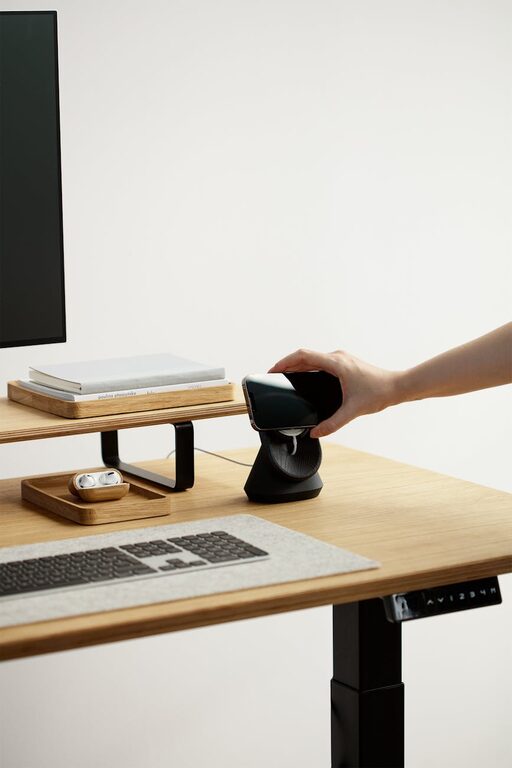
Choose a desk at the right height for you. Standing desks or adjustable desks can be a great option, allowing you to switch between sitting and standing throughout the day.
Keep It Organised and Clutter-Free
Storage Solutions
Use shelves, drawers, or filing cabinets to keep your paperwork and supplies organised. This helps maintain a tidy environment that reduces stress and saves time searching for items.
Minimal Desk Setup
Only keep essential items on your desk. A clean surface encourages focus and prevents distractions.
Enhance Relaxation and Focus
Personal Touches
Add items that bring you joy or calm, such as plants, photos, or artwork. Plants, in particular, can improve air quality and add a refreshing splash of colour.
Calming Colours
Choose paint or decor colours that promote relaxation, such as soft blues, greens, or neutrals. Avoid overly bright or harsh colours which may cause agitation.
Manage Noise and Distractions
Sound Control
If you are in a noisy environment, consider noise-cancelling headphones or earplugs. Alternatively, playing soft instrumental music or nature sounds can help mask disruptions.
Notifications and Breaks
Turn off unnecessary notifications on electronic devices to maintain focus. Schedule regular short breaks to stretch and recharge.
Prioritise Good Lighting
Task Lighting
In addition to natural light, ensure you have a desk lamp or focused light source for detailed tasks. Adjustable lighting helps reduce eye strain and improves visibility.
Ambient Lighting
Soft ambient lighting can create a soothing atmosphere, helping you stay relaxed but alert during work hours.
Set Boundaries and Routine
Define Work Hours
Establish a clear start and end time for your workday. This helps create a healthy work-life balance and prevents burnout.
Separate Work and Relaxation Areas
If space allows, keep your workspace distinct from relaxation or sleeping areas. This physical boundary supports mental separation between work and downtime.
Use Technology Wisely
Reliable Equipment
Invest in good quality technology, such as a fast internet connection, a high-resolution monitor, and an ergonomic keyboard and mouse. This improves efficiency and reduces frustration.
Digital Organisation
Use apps and tools to manage tasks, meetings, and deadlines efficiently. Keep your digital files organised for quick access.
Prioritise Wellbeing
Movement and Stretching
Incorporate regular movement breaks or stretching exercises into your day. Sitting too long can negatively affect your health and productivity.
Hydration and Nutrition
Keep a water bottle nearby and have healthy snacks to maintain energy levels throughout the day.
—
Designing a home workspace that is both relaxing and productive is all about balance. By paying attention to location, comfort, organisation, and your personal needs, you can create an environment that inspires focus and well-being. Remember that your workspace should evolve as your needs change—don’t hesitate to update it over time to keep it working well for you.
About the Author